Click directly on a heading or paragraph, type your change, then press Enter or click elsewhere on the page.
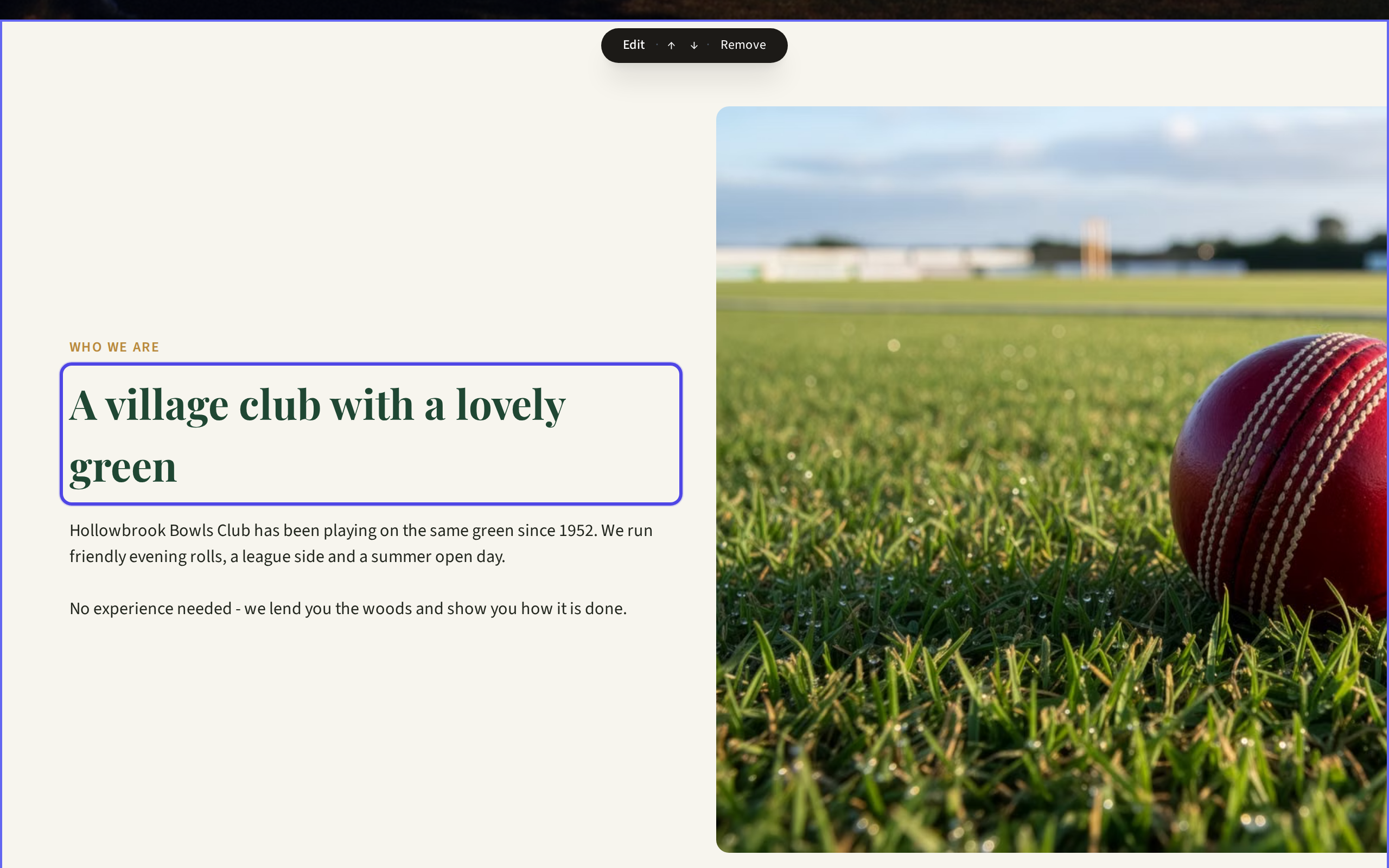
Typing into a heading directly on the page For more options, hover over the block and click Edit. A panel opens on the right.
Change the fields you want, such as Heading, Body or the words on a button. Try the Layout choices to change how the block looks.
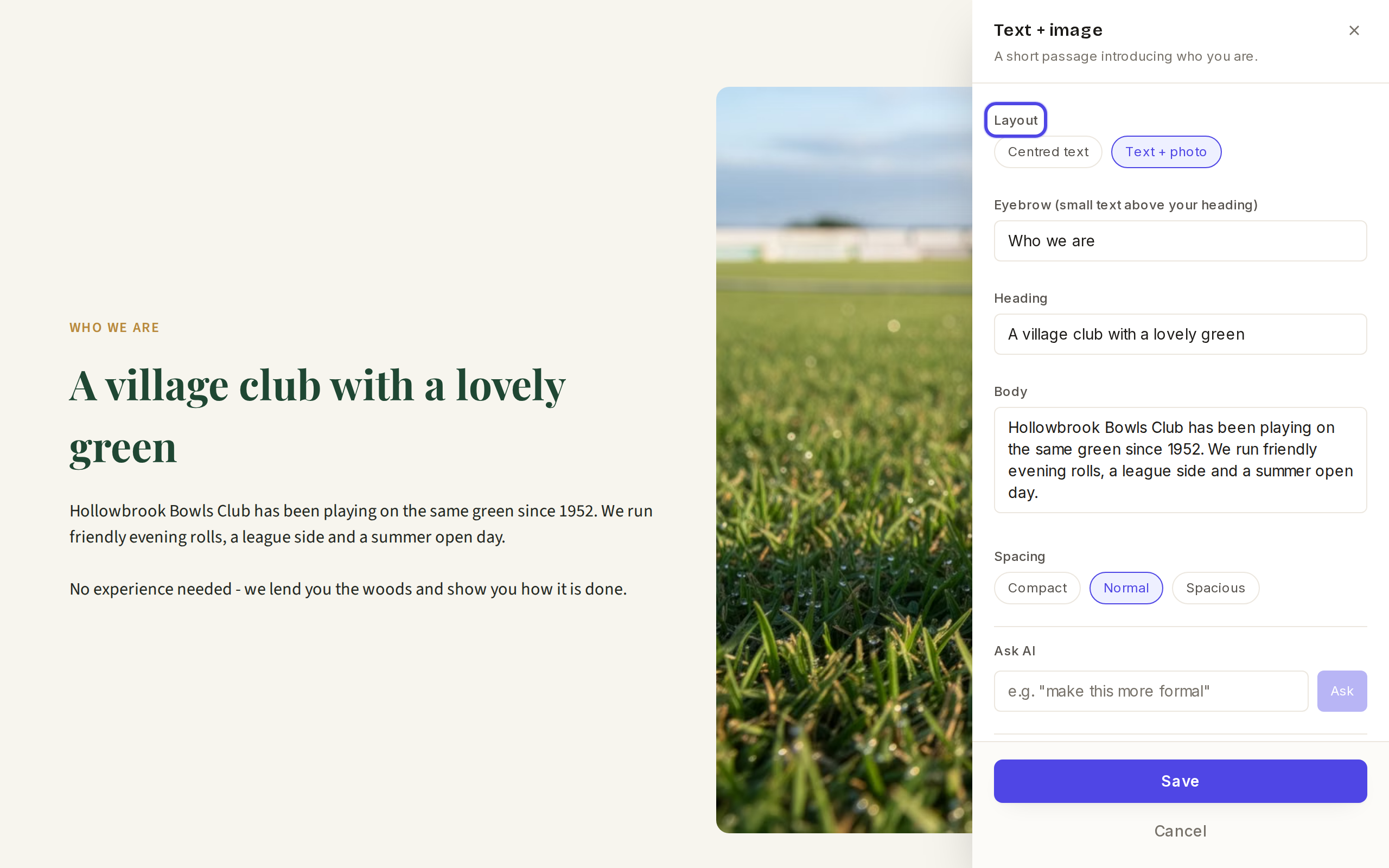
The Layout choices in the edit panel Stuck for words? Type an instruction in Ask AI, for example "make this more formal", and click Ask.
Click Save, then Publish when you are ready for visitors to see it.
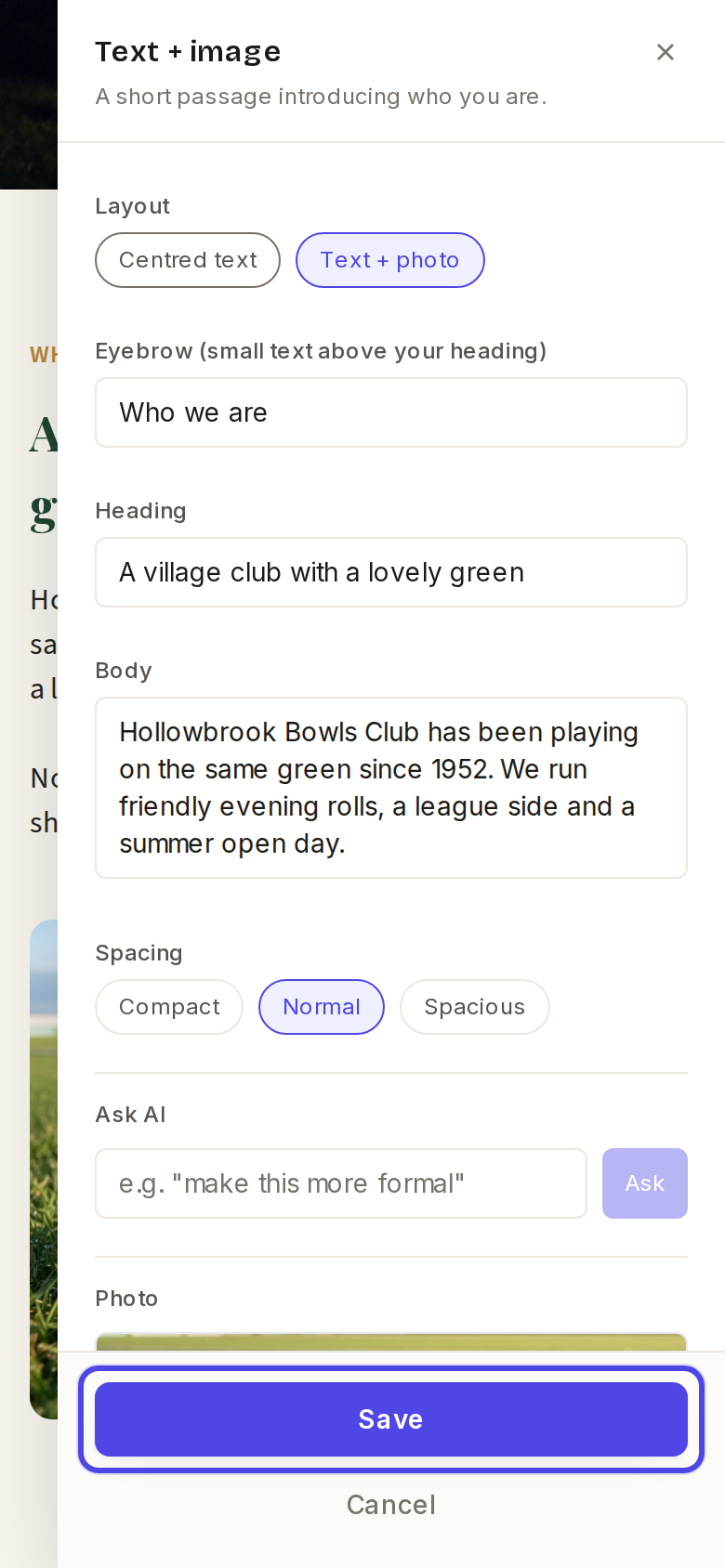
The edit panel on a phone
← All guides
Blocks & content·All plans·Updated
Edit the words in a block
The text in every block can be changed straight on the page, or in the side panel when you want more options.
Common questions
I clicked outside the panel and it asked about discarding changes.+
Choose Keep editing, then click Save. Nothing is lost.
Can I change the text colour?+
Colours come from your site's look, which keeps everything matching. See the guide on changing colours and fonts.
Related guides
Move, add or remove a block
Each page is a stack of blocks, and you can put them in any order you like.
Change colours and fonts
Your site's colours, fonts and shapes come as a matched set called a look. You can try a new one in a click.
Publish your changes
Your edits are kept as a private draft until you publish them, so you can take your time and get things just right.
Still stuck?
Email hello@natterio.com and we will be glad to help.