In the editor click Try another look, then confirm with Try it. On a phone, tap ⋯ first, then Try another look.
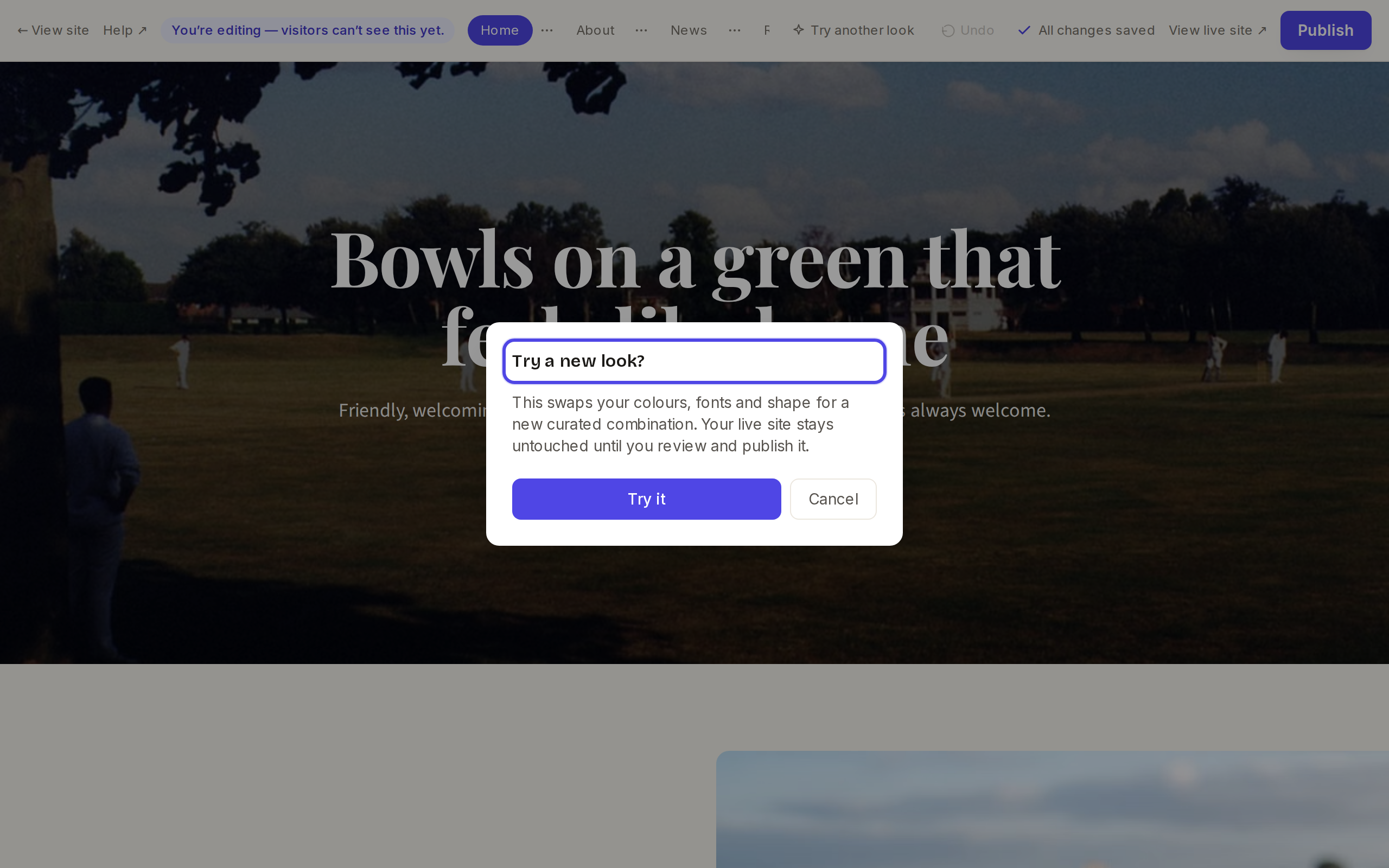
The Try a new look? confirmation Take a look at the page. Click Try another look again to see the next one. There are eight to cycle through.
The message "Not live yet — Publish to share it" is a reminder that visitors still see your old look. Click Publish to keep the new one.

The top bar showing Not live yet Changed your mind before publishing? Go to your site page in the dashboard and click Discard draft. After publishing, keep clicking Try another look until your old look comes round again, or email us and we will put it back.
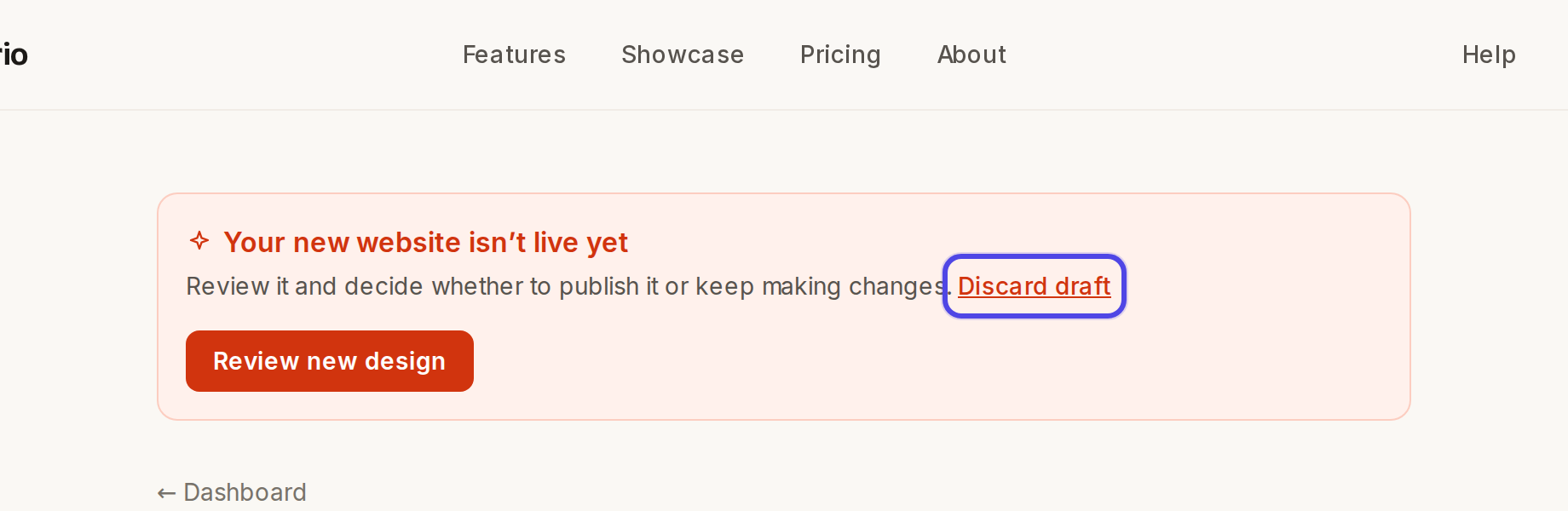
The dashboard banner with Discard draft
← All guides
Design & look·All plans·Updated
Change colours and fonts
Your site's colours, fonts and shapes come as a matched set called a look. You can try a new one in a click.
Common questions
Can I choose just one colour, or the text colour of one block?+
Not yet. Try the different looks, or email us the colour you have in mind and we will help.
The Accent colour under The basics is greyed out.+
That is normal. Your colours are managed by your look once your site has a design.
Related guides
Still stuck?
Email hello@natterio.com and we will be glad to help.