Click + Add section, then A results or league table. Or choose Add page, then Template, then Results / Leaderboard.
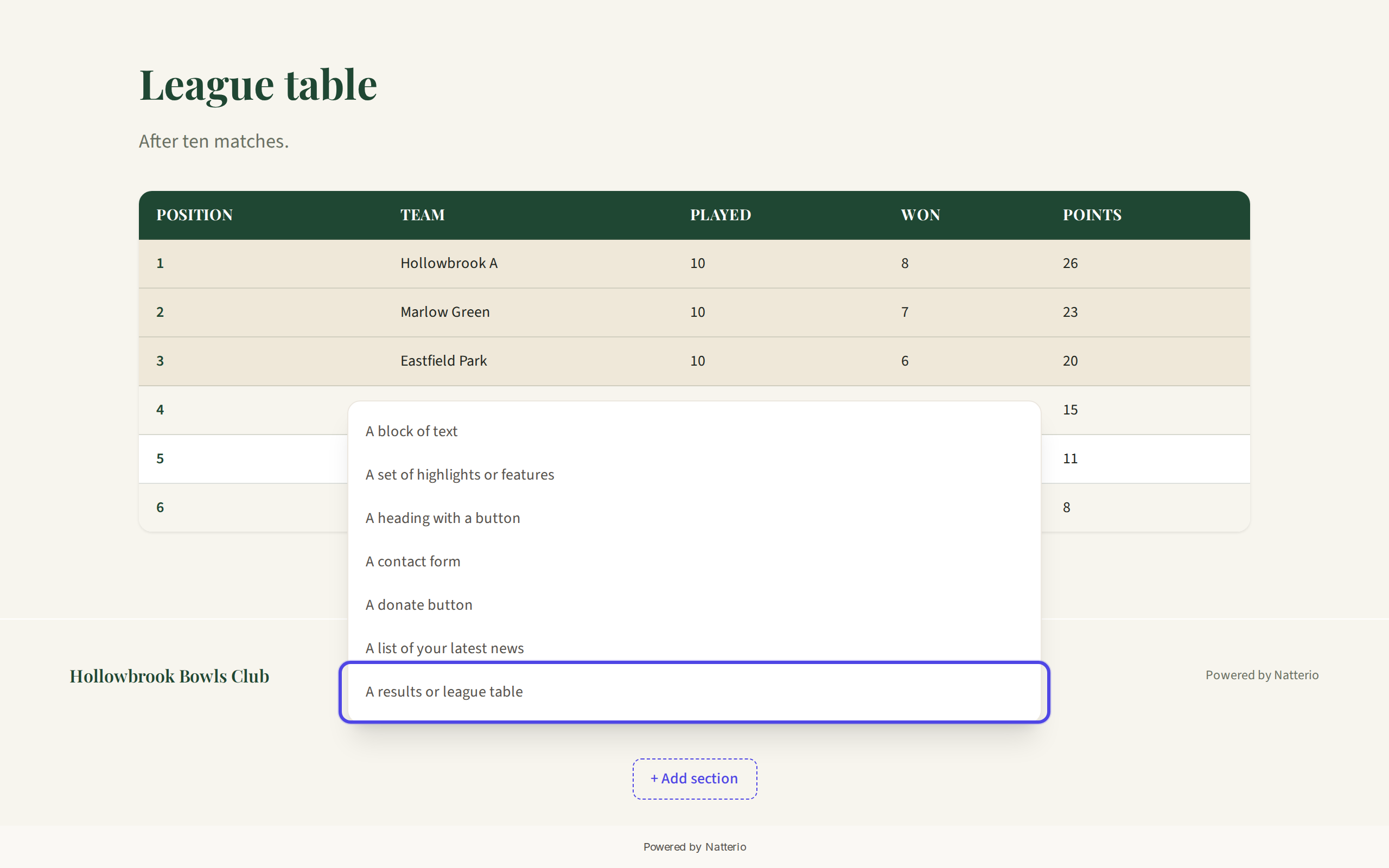
The Add section menu with the results table option highlighted Hover over the table and click Edit.
Click ⬆ Upload CSV or Excel and choose your file.
Check the preview. Untick First row contains the column headings if your file has no headings, then click Replace table with this.
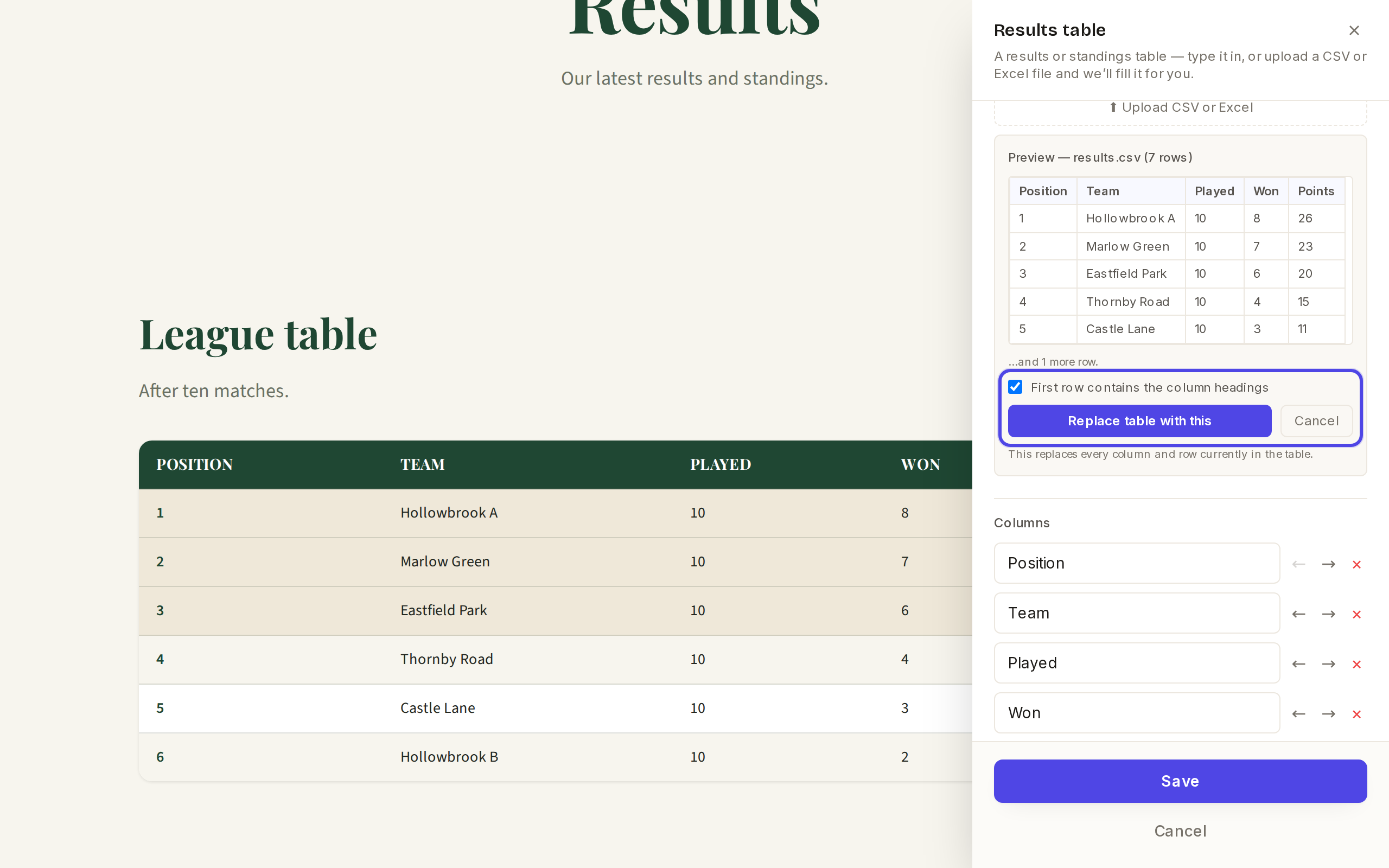
The upload preview with the headings checkbox Set Highlight the top rows (for example 3 to pick out the top three), then click Save and Publish.
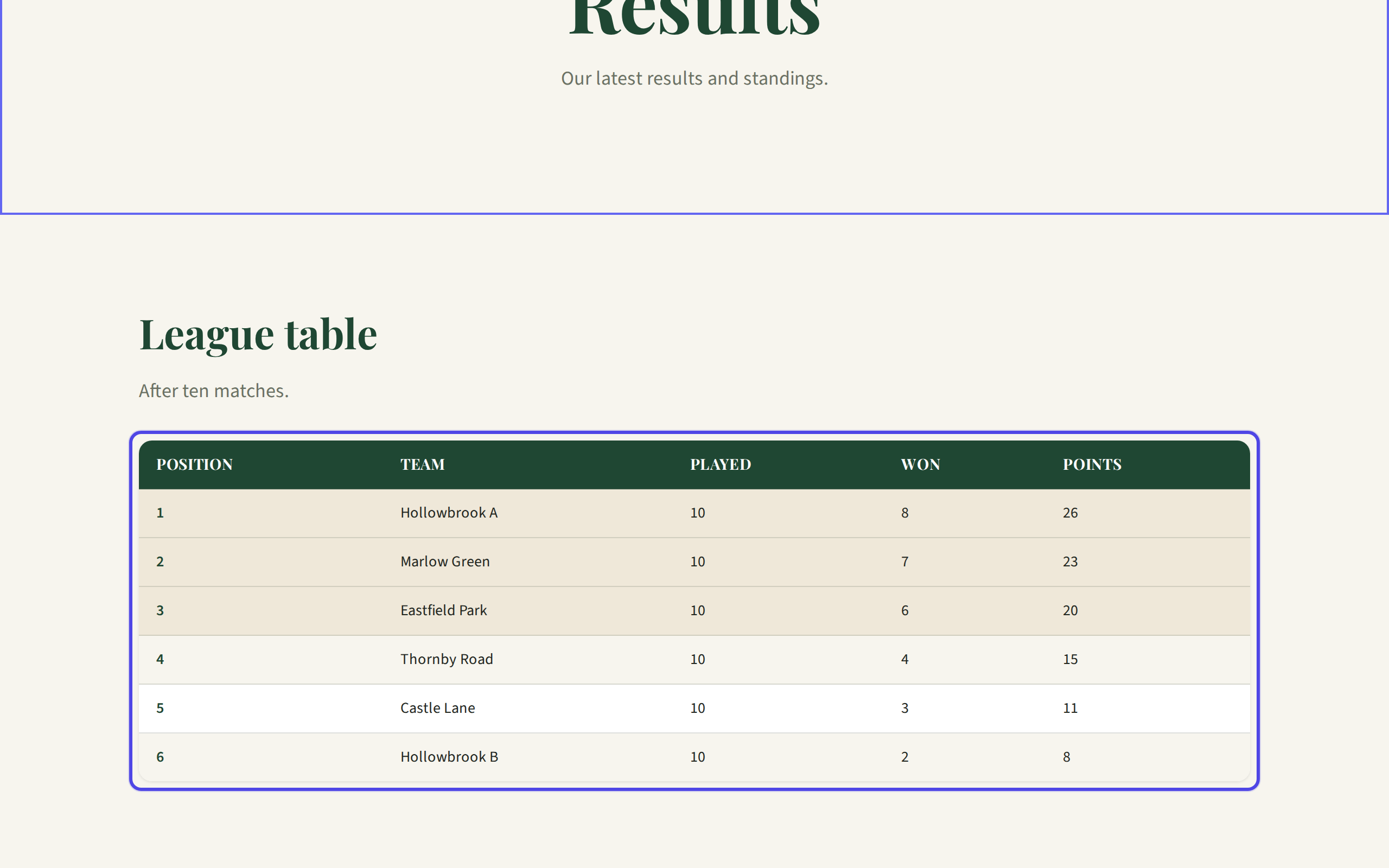
The published results table To update it next week, upload the new file the same way. It replaces the whole table.
← All guides
Results & tables·All plans·Updated
Add a results or league table
Upload the spreadsheet you already keep, or type your results straight in.
Common questions
Which file types can I use?+
CSV and Excel files (.csv, .xlsx and .xls).
Can I correct a single score?+
Yes. Open the table's Edit panel and change it under Rows.
We have several divisions.+
Add one results table block for each division.
Related guides
Still stuck?
Email hello@natterio.com and we will be glad to help.