On your site page in the dashboard, click Set up domain.
Choose Use a domain I already own or Buy a new domain.
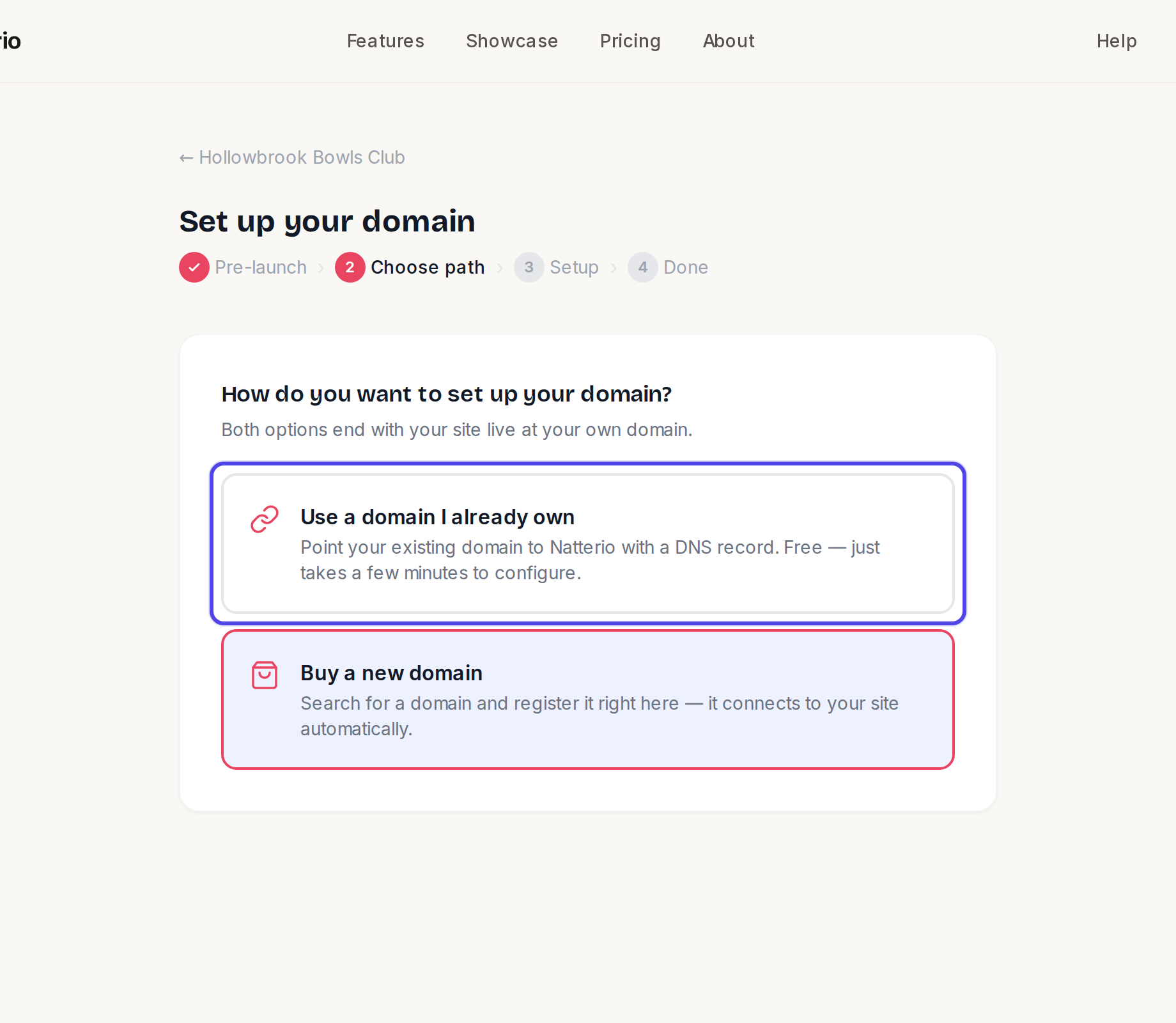
Choosing between using your own domain and buying one If you own one, enter it and add the record shown at the company you registered it with: Type CNAME, Host www, and the Value shown on screen. The page has step-by-step help for GoDaddy, Namecheap and Cloudflare.
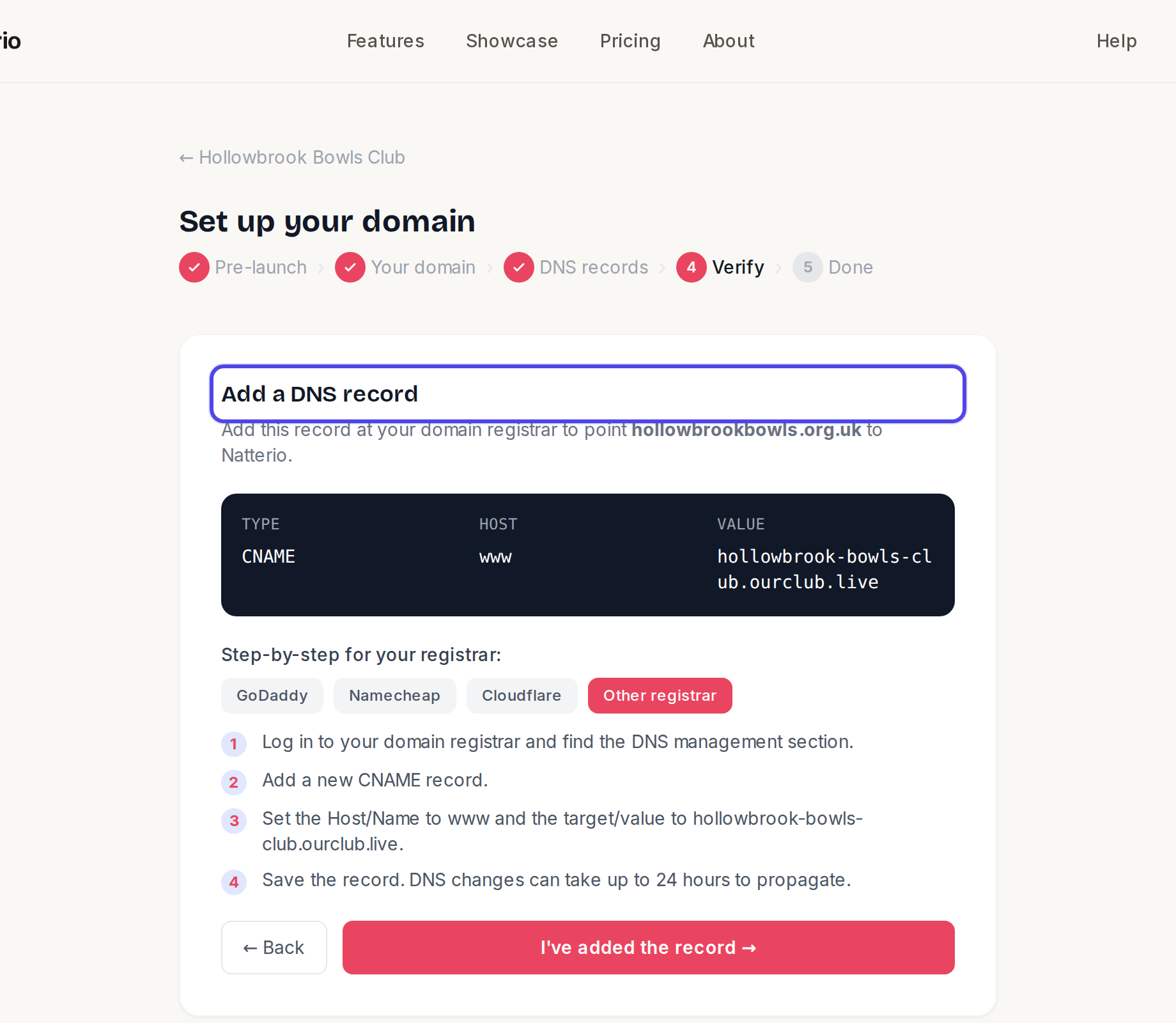
The record to add at your registrar Click Check DNS now. When it says your domain is pointing to Natterio, click Submit domain request →. We will connect it and email you when it is live.
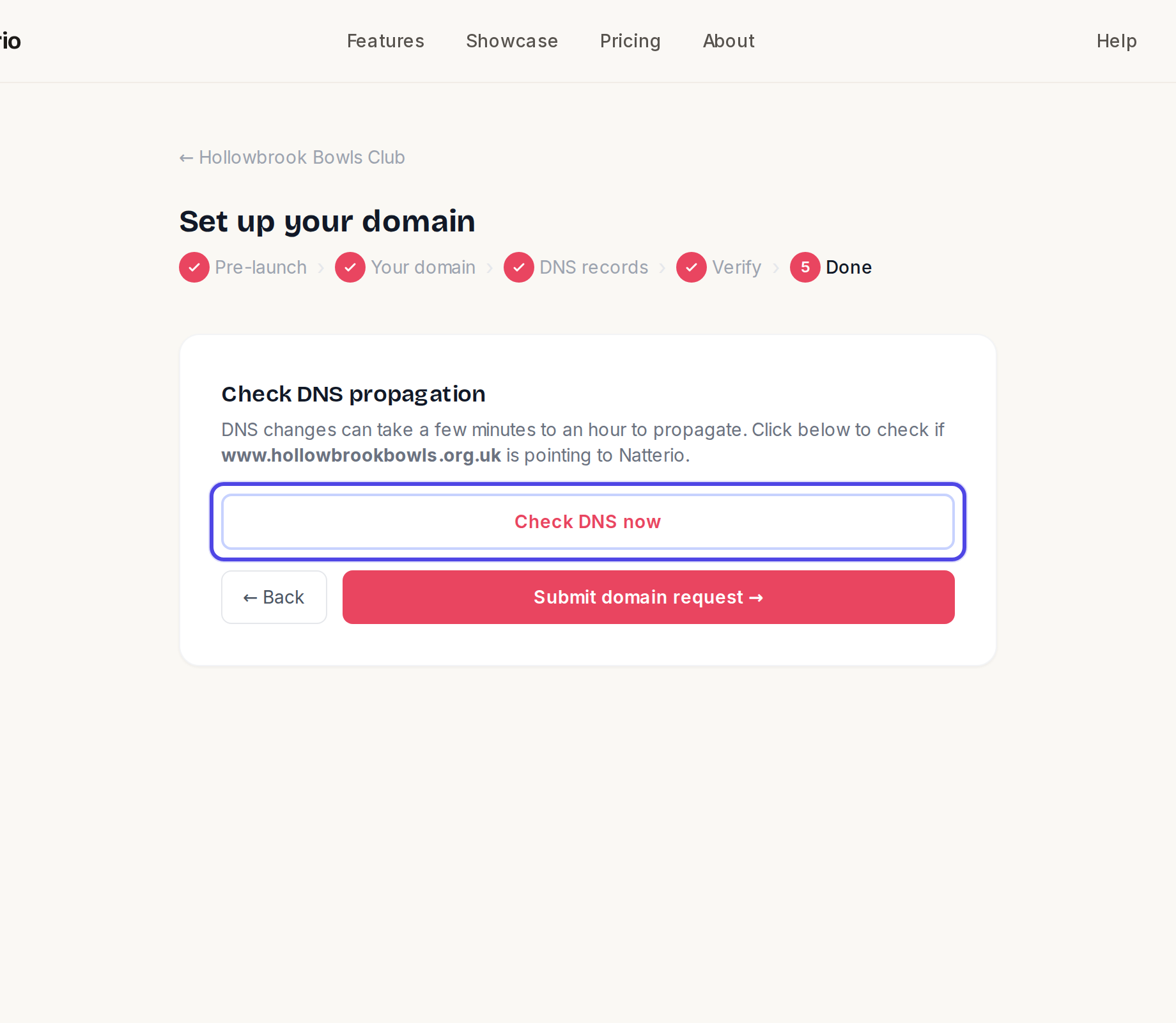
The Check DNS propagation step If you are buying a domain, search for the name, click Check, then Buy … → and pay. It connects itself.
← All guides
Domain & email·StarterCommunityPro·Updated
Use your own domain
Move from an address like yourclub.ourclub.live to one like yourclub.org.uk. Bring a domain you own, or buy one here.
Common questions
Do I need to upgrade?+
Custom domains need the Starter plan or above.
Can I buy a .co.uk here?+
Not yet. Register it with any domain company, then use the "Use a domain I already own" option.
Will it work with and without www?+
Yes, both work. The address you enter is the main one visitors will see.
Related guides
Still stuck?
Email hello@natterio.com and we will be glad to help.