On your site page in the dashboard click Set up email. You will need your own domain first, so see the guide on using your own domain.
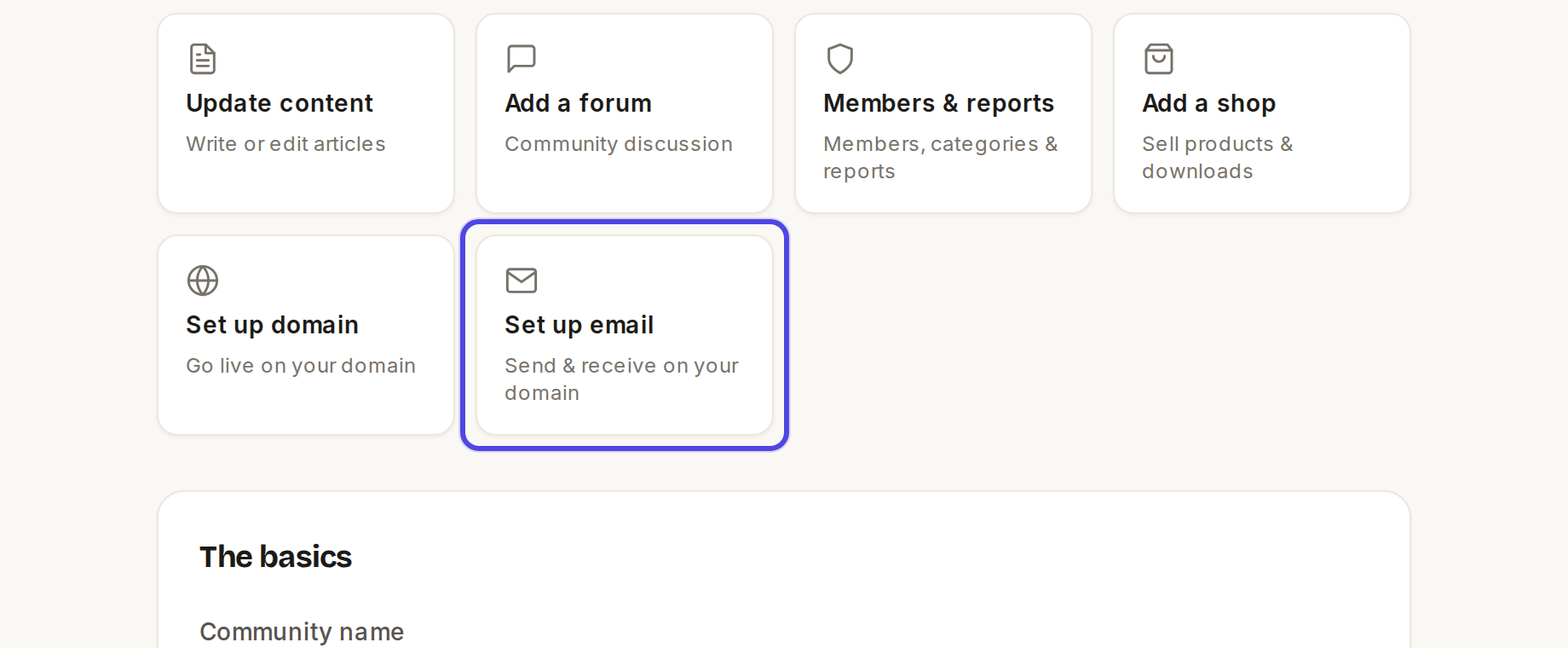
The Set up email tile on the site page Enter your domain and click Set up email →.
Under Named aliases, type the name (for example
secretary) and the inbox it should go to, then click Add. Repeat for each role.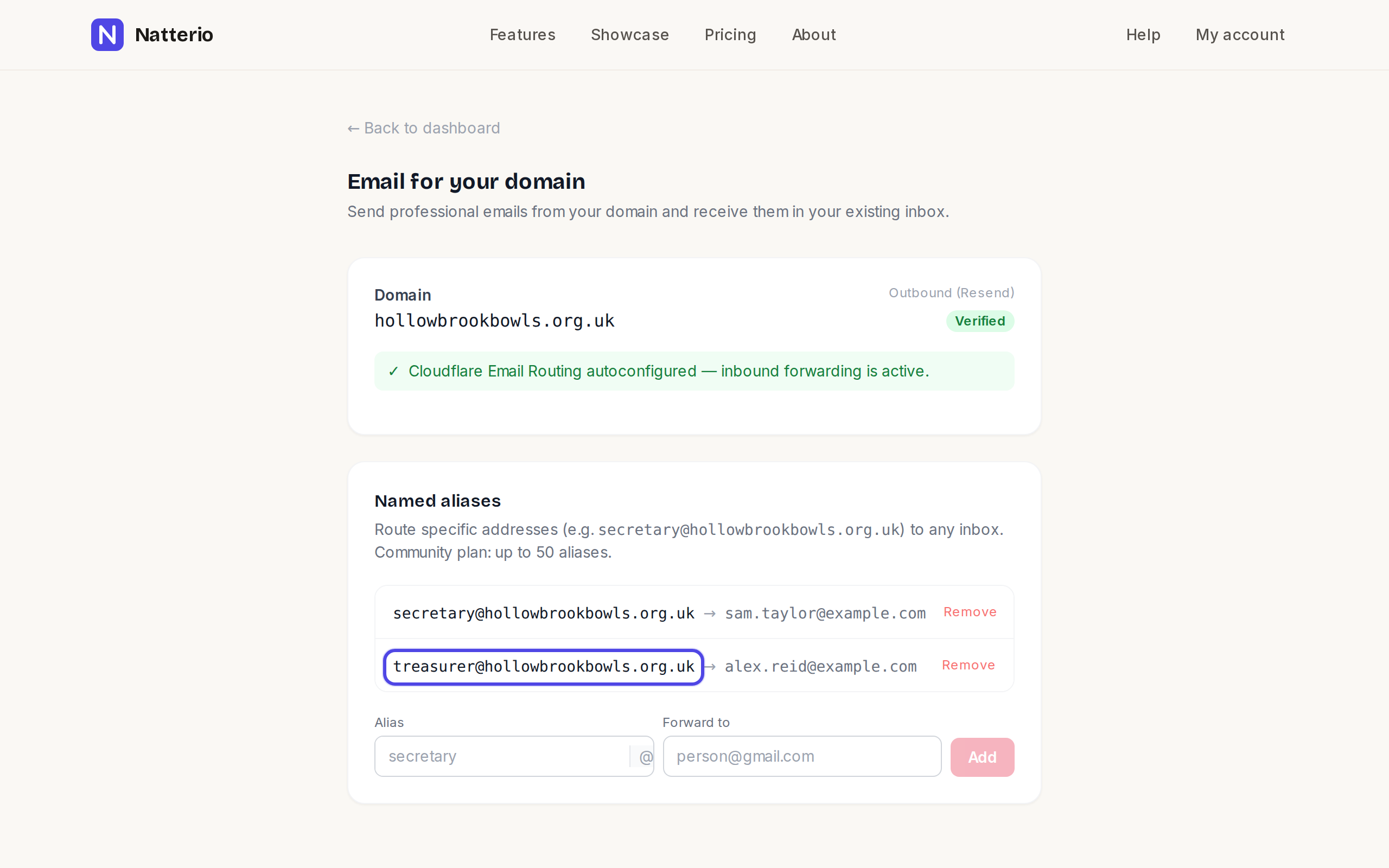
A list showing two addresses Messages sent to the club address land in that person's normal inbox. If you would like to send replies from the club address itself, email us and we will set it up with you.
← All guides
Domain & email·StarterCommunityPro·Updated
Set up email on your domain
Create addresses like secretary@yourclub.org.uk that arrive in the inboxes your committee already uses.
Common questions
How many addresses can I have?+
Starter includes 1, Community includes 50 and Pro has no limit.
Can I change who receives an address?+
Yes. Remove the address and add it again with the new inbox.
Does it cost extra?+
No, it is included in the paid plans.
Related guides
Still stuck?
Email hello@natterio.com and we will be glad to help.